
Keep your laptop or desktop running safely with our overheating and fan repair service. We diagnose cooling problems, repair or replace faulty fans, and help prevent performance issues caused by excessive heat.
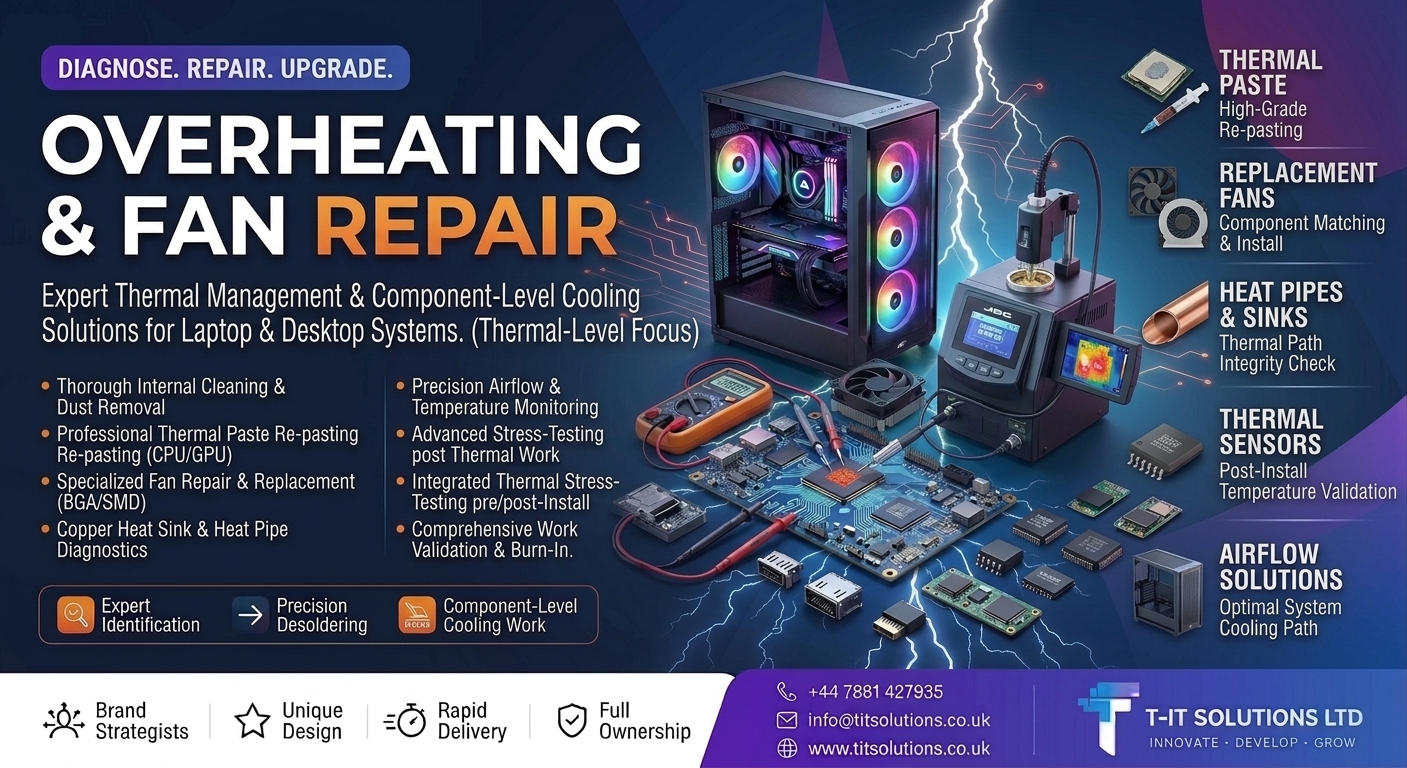
A laptop or desktop that constantly runs hot, becomes unusually noisy or shuts down unexpectedly may have a cooling problem. Ignoring overheating can reduce performance and put unnecessary stress on internal components.
At T-IT Solutions, we provide professional overheating diagnostics and cooling-system repairs for laptops and desktop PCs. We identify the cause of excessive heat and provide practical solutions to help your computer run cooler, quieter and more reliably.
Dust can restrict airflow and make your cooling system work harder. We carefully clean suitable internal components, vents and cooling areas to help restore proper airflow.
Old or poorly performing thermal paste can affect heat transfer from the CPU or GPU. Where appropriate, we clean and reapply suitable thermal compound to improve thermal contact.
A noisy, damaged or failing fan can quickly lead to overheating. We diagnose fan problems and repair or replace compatible cooling fans where required.
We inspect relevant heat sinks, heat pipes and cooling components for problems that may be preventing heat from being transferred effectively.
We check system temperatures and cooling performance to help identify abnormal heat levels and airflow problems.
After completing suitable cooling work, we test the system to confirm that temperatures, fans and overall performance are operating as expected.
You may need a cooling-system check if you notice:
Laptop or PC becoming unusually hot
Fans constantly running at high speed
Loud or unusual fan noise
Unexpected shutdowns or restarts
Reduced performance when the system gets hot
Hot air with poor airflow from vents
Cooling fan not working correctly
We don't simply replace a fan and assume the problem is solved. We look at the wider cooling system to understand what's causing the overheating.
With T-IT Solutions, you can expect:
Laptop and desktop overheating diagnostics
Internal cleaning and dust removal
Thermal paste replacement
Fan repair and replacement
Cooling and airflow checks
Temperature and stability testing
Clear and practical repair advice
Don't wait for overheating to become a bigger problem.
Contact T-IT Solutions today for professional overheating and fan repair and help restore reliable cooling to your laptop or desktop.
SLOGAN TIT SOLUTIONS
 Give us a Call
 WhatsApp Support
 Send us an Email